
For supermarkets
This week's offers, as clips, every week
Every week brings new offers, and every week somebody has to turn them into posts. Reelwire makes a clip of each offer in your store's look, with the price and dates you approve, and fills the days between with reasons to come in.
Free plan, no card needed.
The problem
New offers every week. New posts made by hand every week.
A supermarket has more to say than almost any business: offers, fresh arrivals, the region's produce, holidays. Making a post of each by hand takes time a store rarely has, so much of it never becomes one.
- A photo of the leaflet is not a post. Nobody stops for a page of thirty prices. One offer at a time, moving, in your look, is made to be watched.
- Every price checked by hand. The price, the size, the dates it is valid and your legal line, again on every post, every week.
- Quiet between the offers. Monday's offers get a post, and the rest of the week the channel says nothing about the store itself.
- Or somebody's week goes into it. Where the posts do go out every day, one person spends their week making them.
Every week
A whole week of posts from your weekly offers
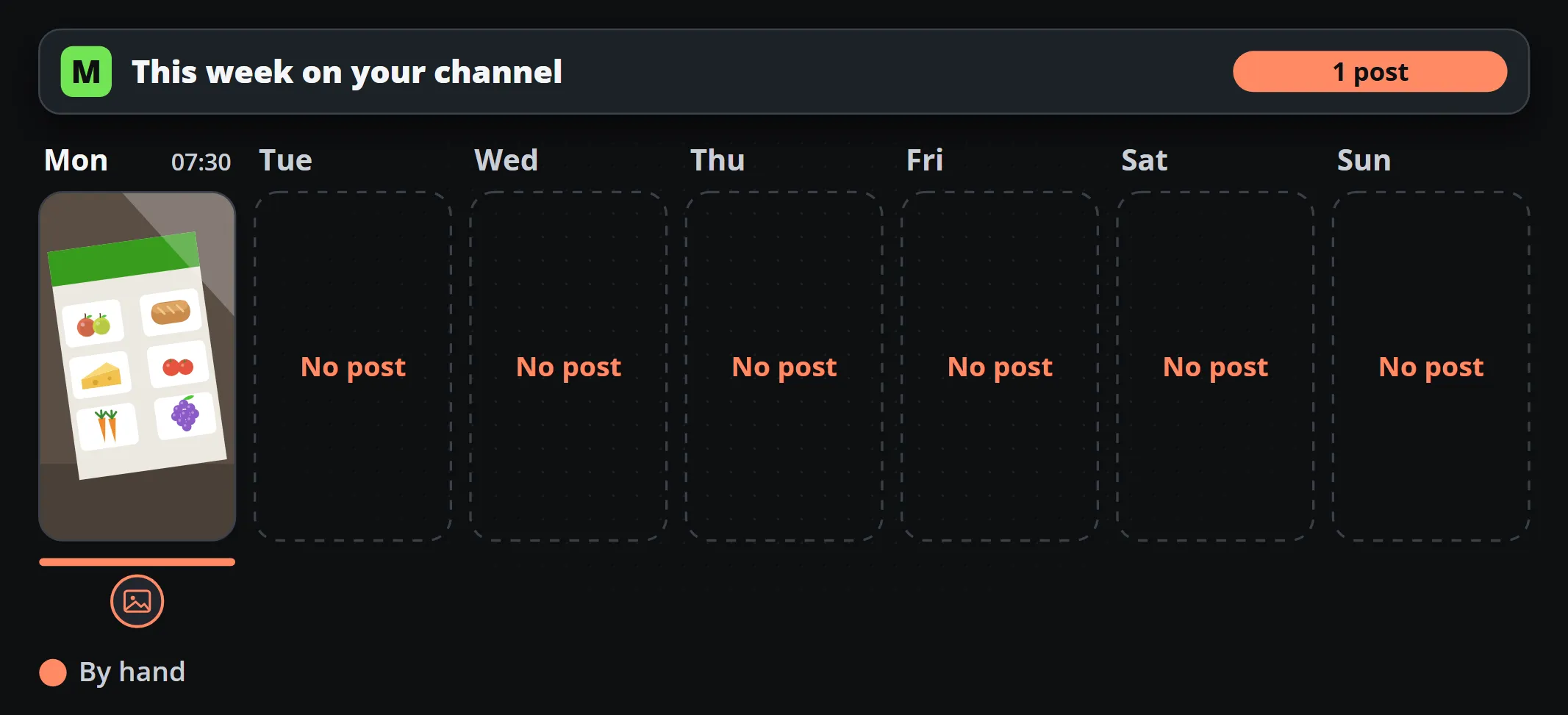
On Monday you drop in the leaflet and check the table of offers. Reelwire makes a clip of each in your store's look, each going out on its day, and fills the days between.
-
From your leaflet or your system
Your AI agent reads the leaflet as a PDF and lists every offer with its price and dates in a table. Nothing is made until you have checked it. Or your own system sends the offers to Reelwire through its API.
-
The right offer on the right day
Offer cards, price lists and a countdown to the last day of an offer, each going out on its day. Your legal line is set once in the brand and stands on every clip.
-
The days between
The days without an offer get posts too: a recipe with your own prices, a giveaway, what is new on the shelf, all planned weeks ahead in the same look. A ready-made feed adds what is in season this month, for Germany, France, Spain, the UK and the US.
Real clips
A store's week, as clips
Every one made by Reelwire from a template in the catalogue, from an offer's price and dates or a photo from the shop floor. Yours carry your logo, colours and prices.
Made for Westbrook Market, a store invented for these examples.
In every store
Made for one store and for a whole group
A store's channel, a group's channels, the screens by the entrance: the same clips, made once, in the look of the store they are for.
-
Every store its own channel
Every planOne brand for the group or one per store, and a channel for each account a store posts to, each posting its own offers in its own language.
-
The shop floor, with one button
Every planStaff press Fresh today or New on the shelf in Reelwire Pocket, take a photo, and the clip is made in the store's look. They need no account of their own, and Pocket takes no seat.
-
On the screens in the store
Every planEvery clip is an ordinary video file. Make it in the shape of your screens and play it at the entrance or by the checkout.
-
Checked before it goes out
Every planWrite once what every price post must state, such as the dates an offer is valid, and Reelwire's AI checks each post against it. If something is missing, the post does not go out.
-
Monday's offer on Monday
Every paid planReelwire posts each clip to the store's connected accounts when it is due. On every plan it can come by email instead, ready to post.
-
Approved by a person
BusinessA colleague at head office approves each post before it goes out, whoever wrote it and whichever way it leaves.
-
Shared with independent stores
Optional on BusinessSyndication passes head office's approved clips on to the stores that join, to post on their own channels.
Reelwire Pocket Syndication The compliance rule in the manual
Compared
What Reelwire adds to what you have
Many stores have head office's material, a leaflet app or an agency. Reelwire does the part each of them leaves to the store.
-
Head office's material
It gives the group its look. Reelwire makes your own store's offers into clips in that look, each on its day, without anybody in the store opening an editor.
-
Leaflet apps
They show your leaflet to people looking for offers. Reelwire takes the same offers to the people who follow your store, one at a time, as clips.
-
An agency
It makes the campaigns. Reelwire makes the weekly posts, every offer and every week, so the agency's hours go where they are needed.
Questions
What supermarkets ask
Your AI agent can. Connect Claude or ChatGPT to Reelwire, drop the leaflet in as a PDF or a few screenshots, and it lists every offer with its price and dates in a table you check before anything is made. Stores whose offers come from a system can send them through Reelwire's API instead.
Reelwire shows exactly the price it is given, and the same data always makes the same clip. What makes it right is the table: every offer, with its price and dates, is shown to you before anything is made, so nothing goes out with a price you have not seen. Reelwire cannot check a price against your shelf. A rule every post keeps, such as the dates an offer is valid, is checked by Reelwire's AI on each one, and on Business a colleague approves each post before it goes out.
The making goes. You check the week's table of offers, and each offer becomes a clip of its own in every shape you post in, going out on its day. The days between are planned too, so the channel shows the store and not only its prices.
Usually head office. It sets up the brand, one per store where they look different, and a channel for each store's accounts, and checks each week's table of offers. Staff in each store add the shop floor with Reelwire Pocket. On Business a colleague at head office approves every post, and independent stores can take head office's clips through syndication. A group is set up with us: talk to us.
One clip is one offer in one shape. The free plan's 15 clips a month show you a few of this week's offers in your look. A whole leaflet every week, in every shape you post in and for every store, is agreed with you: talk to us.
To read a leaflet, yes. Your AI agent is your own assistant, such as Claude or ChatGPT, connected to Reelwire, and most assistants need one of their paid plans to connect: the guide says which. Without one, Reelwire Pocket, the ready-made feeds and posts written in the dashboard still work, and your own system can send the offers through the API.
No. One Reelwire account holds every store: a brand per store where they look different, and a channel for each account a store posts to. Independent stores of a group can receive head office's clips through syndication, an option of Business.
Your own photos work best, and a photo from a phone is made to fit by itself. Staff can take them in the store with Reelwire Pocket.
Yes. Every clip is an ordinary video file in your look. Make it in the shape of your screens, landscape or portrait, and download it.
Nothing. You start on the free plan and see your own offers as clips. What a store or a group needs beyond that depends on how many offers, shapes and stores you post. Talk to us, and we work it out with you.
Try it
Make this week's offers into clips
The free plan makes 15 clips a month and needs no card. See one of this week's offers as a clip in your store's look before you decide anything. A group of stores? Talk to us first.